📚 MY SCHOOL
📚 MY SCHOOL

🎵 မြန်မာနိုင်ငံတော်သီချင်း သီဆိုရန် ဓာတ်ပုံကို နှိပ်ပါ
Tap an image to open it. Tap it again to close it.

🎵 Goodbye and see you tomorrow!

📢 MESSAGES!
Check for Fone School messages
Not checked yet.
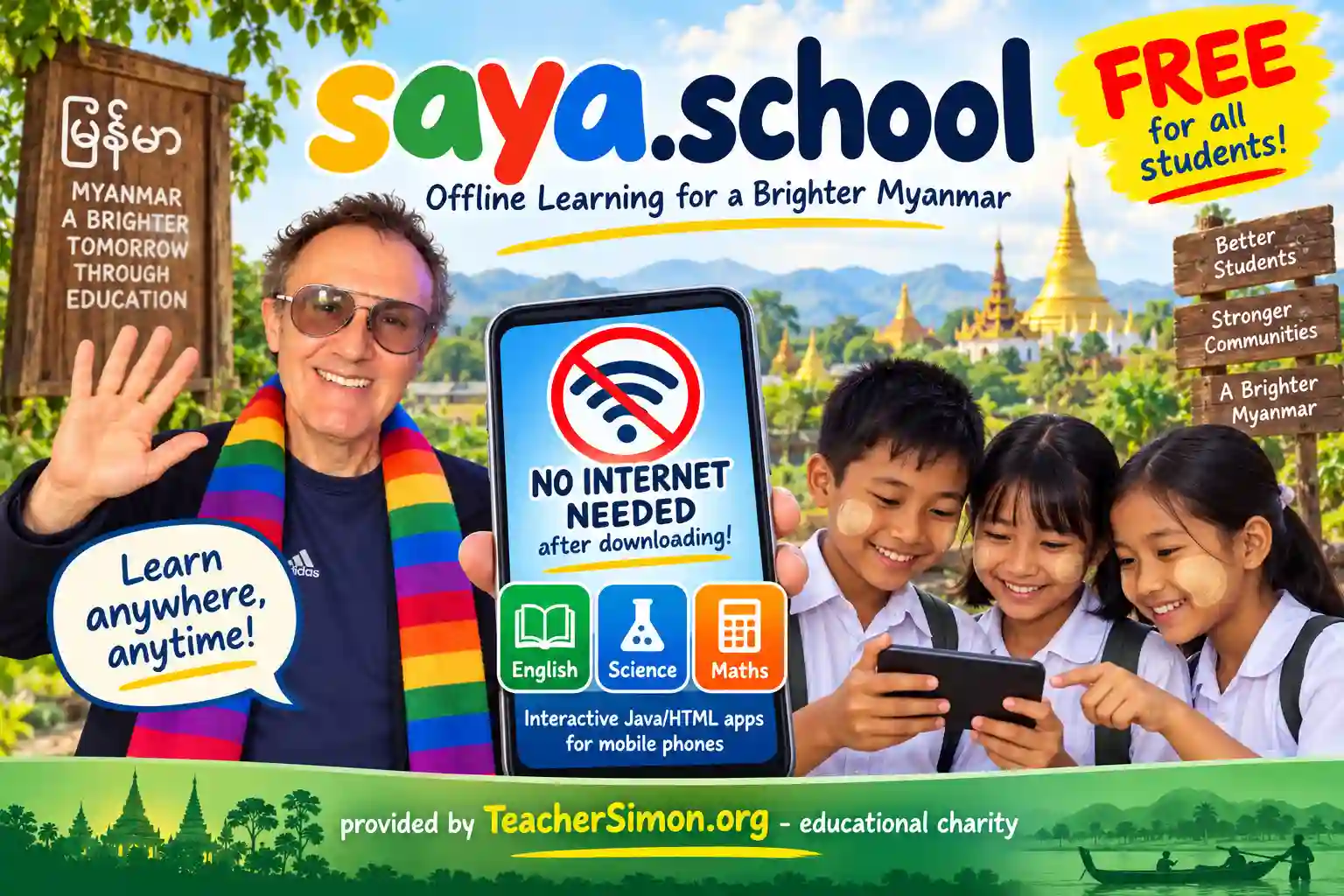
Fone School is provided by TeacherSimon.org - educational charityhttp://www.teachersimon.org
အိမ
Instructions: Click on the "Fone School" image to see the different subjects and topics of my lessons. The main subjects of English, Maths and Science are grouped by grade and topic - just click on the images to see each topic. A lesson can be opened 'online' by clicking on 'Open', or saved to your mobile phone in a few seconds by clicking on 'Save for Offline' After saving a lesson, click on the images to return to the main "Fone School" image and now you can click on "My Lessons" to see a list of all the lesson files saved on your mobile phone. Click on "Run Lesson" to open a selected lesson. You can also delete a lesson file or share it with your friends using Quicksave, Viber etc. Once you have downloaded a lesson to your mobile phone, you no longer need internet/wi-fi access to view that lesson, The "Import Lesson" button at the top allows you to create a lesson file from any type of content that you have on your mobile phone - an image, a video, a PDF file etc. Click on "Fone School Home" to return to my Fone School website. If you are online (with an internet connection), you can browse and download more lessons :) The "My Dashboard" button allows you to register (without using your name), so that you can save the results of lesson tests on my web server that is located in Singapore. To register, choose an animal from the list and the server will give you a PIN (write it down!) and also a recovery code (write that down as well and keep it in a different place from your PIN!). If you complete a lesson quiz or test, the results will be saved security on my web server. If you're 'offline' at the time you complete the test, your results will be saved on your mobile phone and then 'synchronised' with the web server next time you have internet. You can view and select test results in your dashboard (such as all your Maths test results), and create a PDF certificate that you can store on your phone or print out at a copy or print shop. * You will only be asked to enter your name (in English) just before my web server creates your certificate with that name. Your name is never stored on my server :) If you have any more questions, you can send me an email at: simon@teachersimon.org I welcome your comments and suggestions about Saya School and how I can improve this service
Click here to verify a results certificate
Instructions: Click on the "Fone School" image to see the different subjects and topics of my lessons. The main subjects of English, Maths and Science are grouped by grade and topic - just click on the images to see each topic. A lesson can be opened 'online' by clicking on 'Open', or saved to your mobile phone in a few seconds by clicking on 'Save for Offline' After saving a lesson, click on the images to return to the main "Fone School" image and now you can click on "My Lessons" to see a list of all the lesson files saved on your mobile phone. Click on "Run Lesson" to open a selected lesson. You can also delete a lesson file or share it with your friends using Quicksave, Viber etc. Once you have downloaded a lesson to your mobile phone, you no longer need internet/wi-fi access to view that lesson, The "Import Lesson" button at the top allows you to create a lesson file from any type of content that you have on your mobile phone - an image, a video, a PDF file etc. Click on "Fone School Home" to return to my Fone School website. If you are online (with an internet connection), you can browse and download more lessons :) The "My Dashboard" button allows you to register (without using your name), so that you can save the results of lesson tests on my web server that is located in Singapore. To register, choose an animal from the list and the server will give you a PIN (write it down!) and also a recovery code (write that down as well and keep it in a different place from your PIN!). If you complete a lesson quiz or test, the results will be saved security on my web server. If you're 'offline' at the time you complete the test, your results will be saved on your mobile phone and then 'synchronised' with the web server next time you have internet. You can view and select test results in your dashboard (such as all your Maths test results), and create a PDF certificate that you can store on your phone or print out at a copy or print shop. * You will only be asked to enter your name (in English) just before my web server creates your certificate with that name. Your name is never stored on my server :) If you have any more questions, you can send me an email at: simon@teachersimon.org I welcome your comments and suggestions about Saya School and how I can improve this service
Click here to verify a results certificate